Construction Logistics Animation: Showing the Site Before You Build It

A site logistics plan on paper is a drawing with arrows and legends. An evaluator has to translate it in their head, and most do not have the time. A construction logistics animation does that translation for them by showing cranes, deliveries, hoists, and pedestrian routes moving through time.
What an Animation Can Show That a Plan Cannot
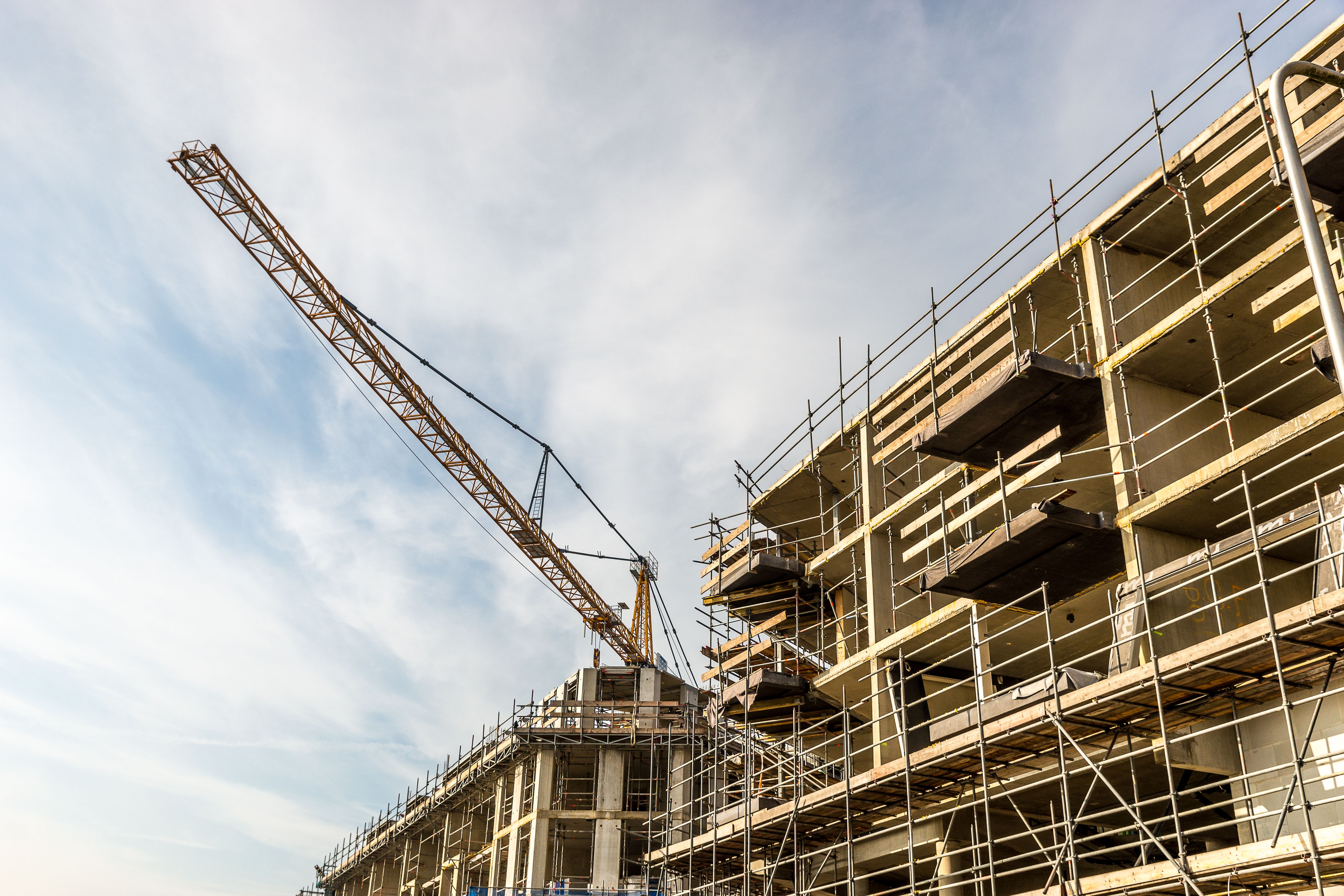
A static plan captures one moment. Construction is a sequence of moments, each with different crane positions, laydown areas, and access routes. Animation shows how the site changes from excavation to enclosure, and where conflicts would appear if the sequence slipped.
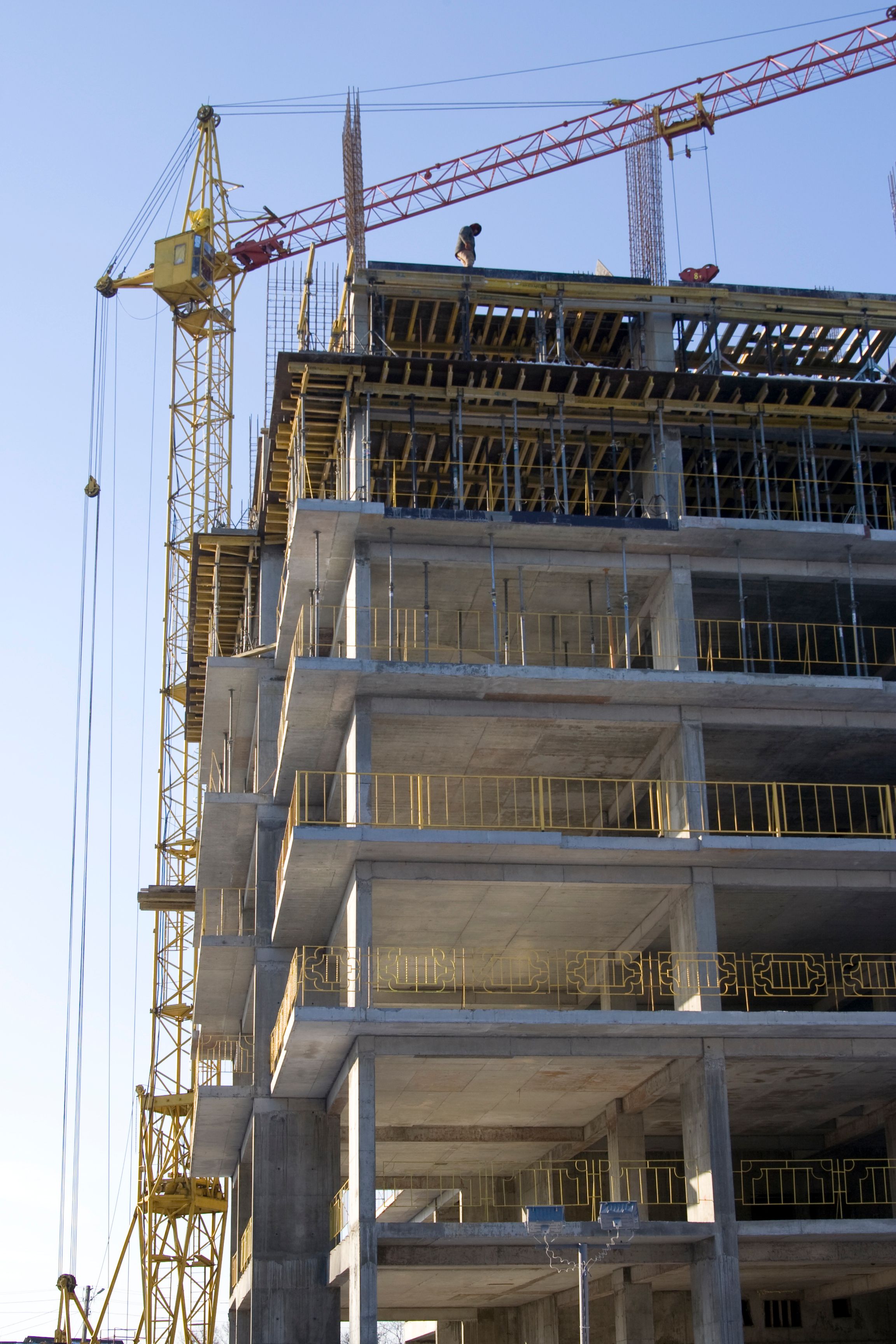
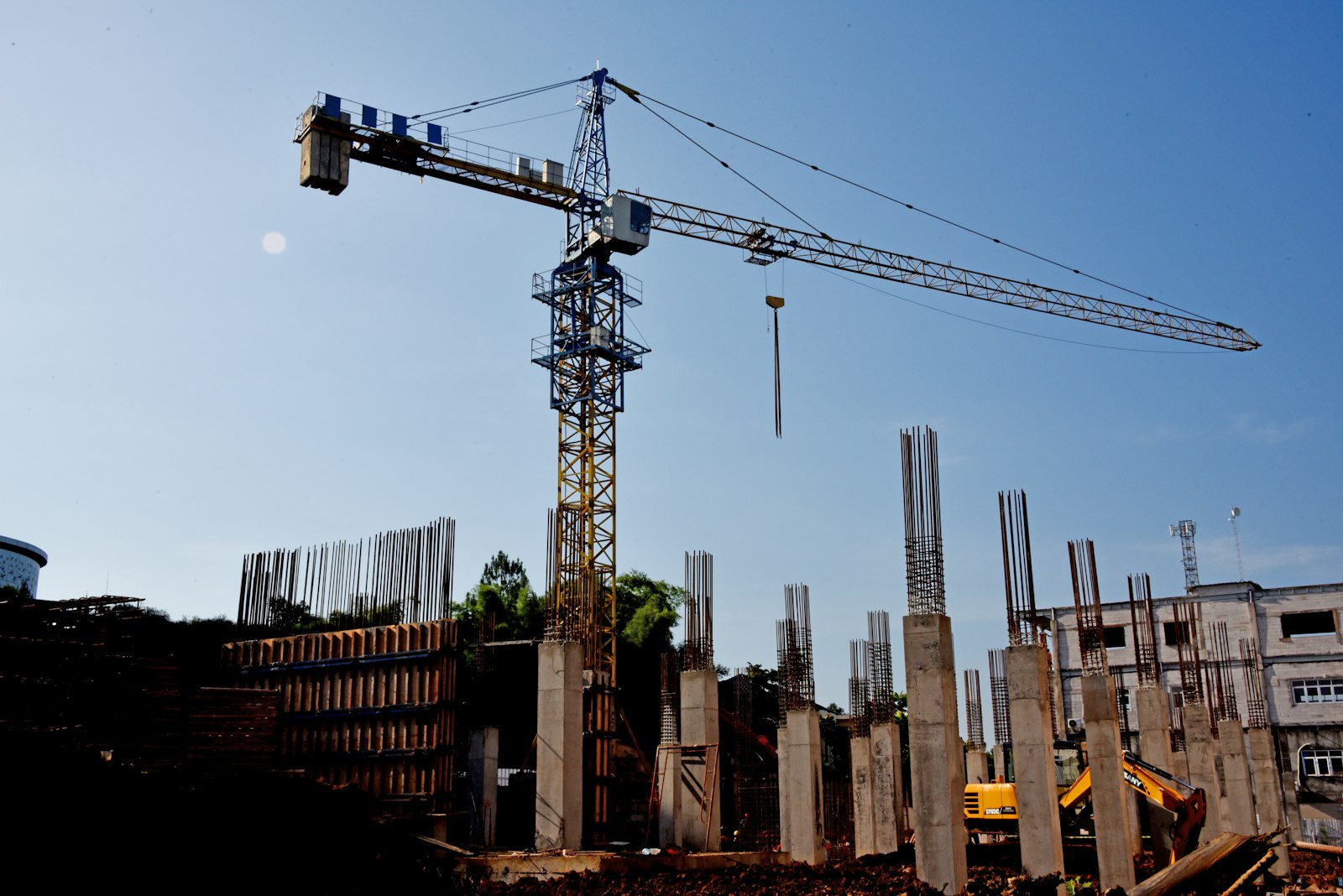
This matters most on tight urban sites, where a single delivery window can control the whole schedule. When an owner watches a truck arrive, unload, and clear the street before the next one enters, the claim of managed logistics becomes visible instead of asserted. Evaluators also remember what they saw. A forty-second clip of a tower crane lifting into a tight courtyard tends to stay with a panel long after the written narrative has blurred together with the other proposals.
Start With the Constraints, Not the Visuals
The most useful animations begin with a constraints list: street closures, adjacent occupied buildings, utility conflicts, crane swing radii, working hours, and neighbor sensitivities. If the animation ignores one of these, an experienced reviewer will notice, and the credibility of the whole piece drops.
Gather the logistics manager, superintendent, and scheduler before any modeling begins. Their knowledge of what actually constrains the site is what separates a useful animation from a decorative one. Ask them what has gone wrong on similar sites before. Those stories point directly to the sequences worth showing, such as a concrete pour that blocked a fire lane or a delivery that arrived during a school release.
Model Only What Drives Decisions
It is tempting to model every vehicle and worker. That adds production time without adding information. Focus on the elements that drive decisions: crane locations and lifts, material hoists, delivery routes, staging zones, traffic control, and protected pedestrian paths.
Color and labeling should be consistent across phases. If a laydown area is blue in phase one, it should stay blue in phase four. Viewers learn the visual language quickly when it does not change. Keep the camera angles simple too. A fixed overhead view for each phase, with one or two close views for the hardest moments, is easier to follow than constant movement.
Keep It Short Enough to Be Watched
A pursuit animation that runs eight minutes will not be watched in full. Two to three minutes, broken into phases with clear titles, tends to hold attention and fits inside most interview time limits. A longer version can be kept for the preconstruction meeting after award.
Narration or on-screen callouts should name the risk and the response. For example, naming a school drop-off window and showing the delivery gap around it tells the reviewer more than a sentence about community coordination.
Use It Beyond the Proposal
The same animation can brief subcontractors, support neighbor meetings, and orient new site staff. Because it is built from the logistics plan, updating it as the plan changes keeps everyone looking at the same sequence. Teams that reuse the asset get a stronger return than teams that treat it as a one-time pursuit expense. It also gives the project team a baseline. When the real site departs from the animation, the difference is visible and can be discussed before it turns into a delay.
The Bottom Line
Construction logistics animation earns its cost when it turns a plan into a sequence that a non-specialist can follow in a couple of minutes. Build it from real constraints, model only what drives decisions, keep it short, and reuse it after award. Done that way, it shows an owner that the team has already worked through the site problems before the first truck arrives.